
PDF Reader(KDAN PDF): Edit PDF
Kdan Mobile Software Ltd.
Downloads
10,000,000+
Version
Latest
Click to download now, finish the installation quickly, and directly unlock the all-round experience
Screenshots
Click to download now, finish the installation quickly, and directly unlock the all-round experience
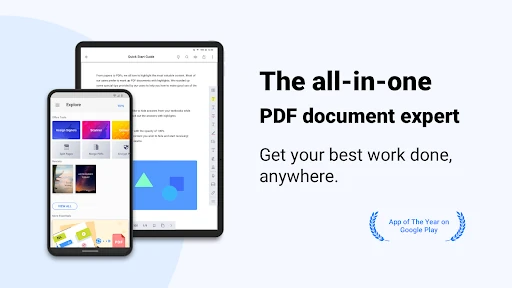
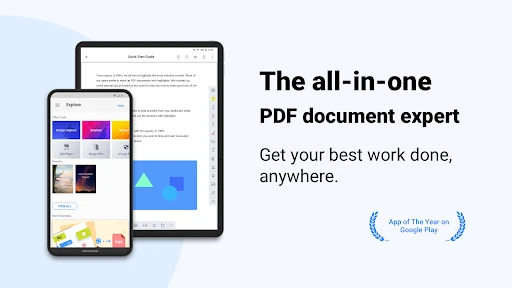
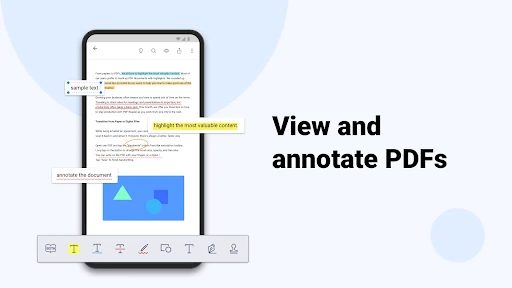
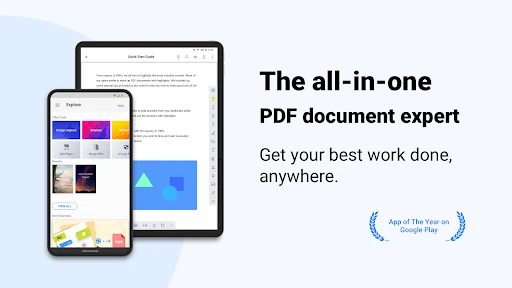
PDF Reader(KDAN PDF): Edit PDF is a document app for people who need more than page viewing on an Android phone or tablet. It opens PDFs, text files, ePub documents, and images, with search, bookmarks, outlines, thumbnails, and vertical or horizontal scrolling. Text Reflow can make dense pages easier to read on a smaller screen.
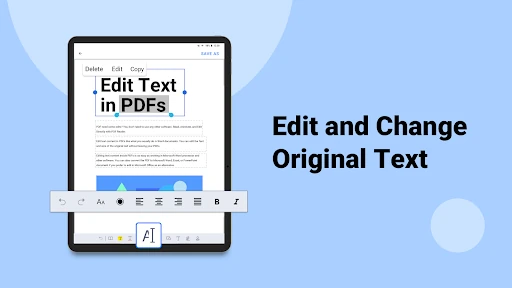
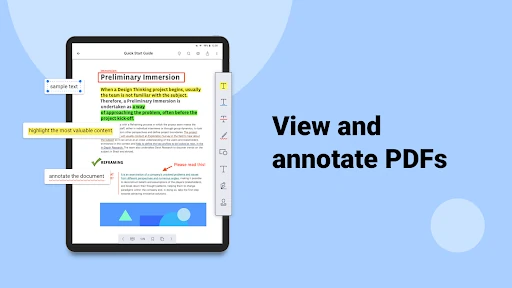
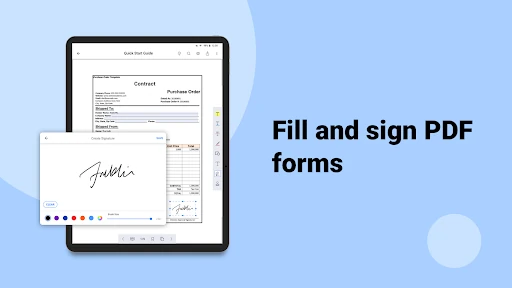
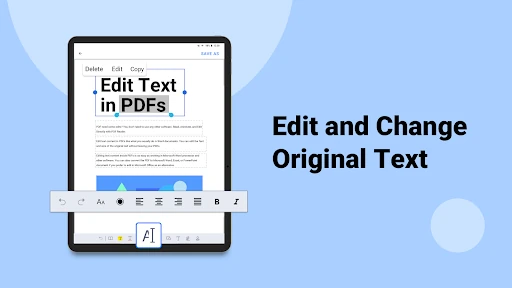
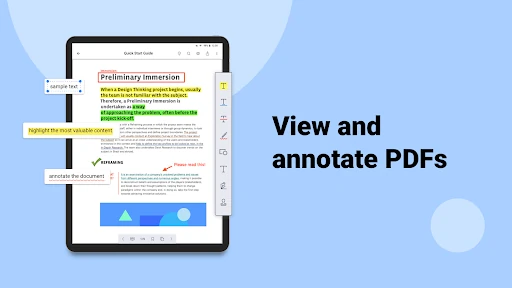
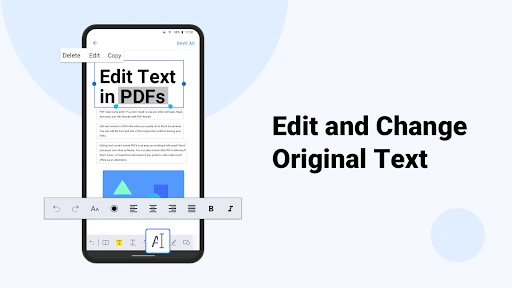
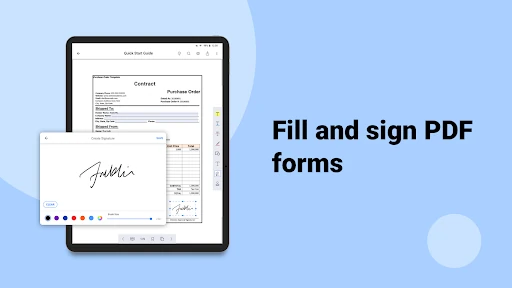
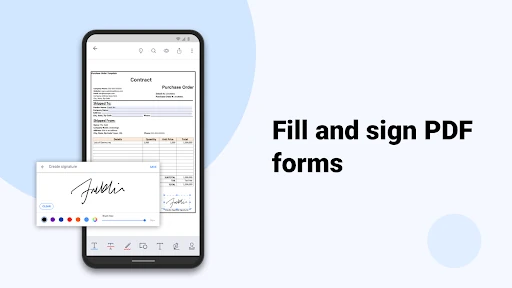
The app covers common business and study tasks without switching between separate tools. You can highlight, underline, or strike out text; add text boxes, shapes, and stamps; and write directly on a PDF with a finger or stylus. It also lets you edit existing PDF text, add signatures, and save signatures for later use.
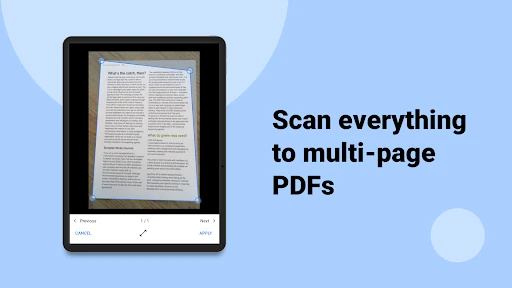
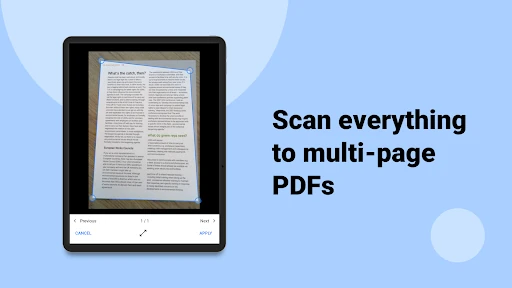
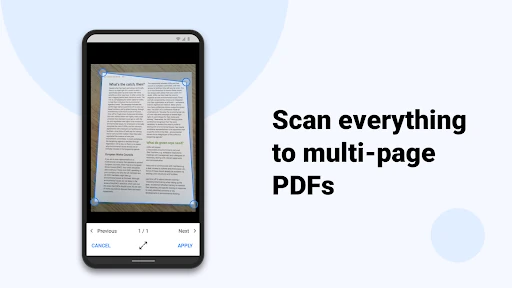
A viewer-only app may be simpler, but it will not offer the same mix of annotation, handwriting, scanning, text edits, and signing in one place. That broader toolkit suits contracts, forms, reports, and coursework. If you only open PDFs occasionally, the extra document-management options may be more than you need.
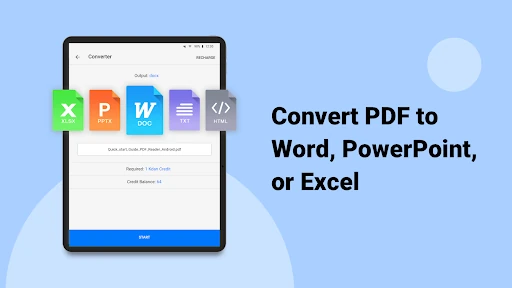
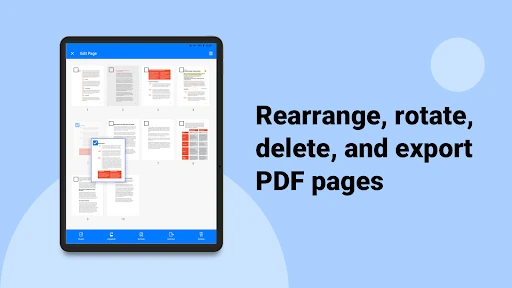
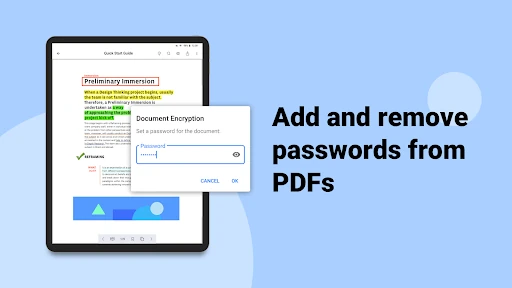
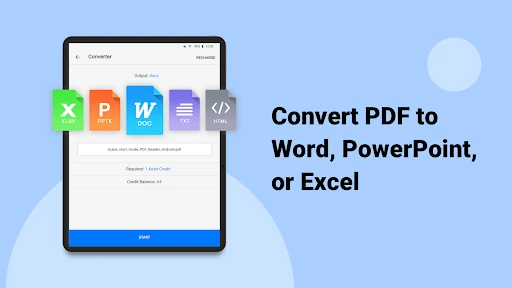
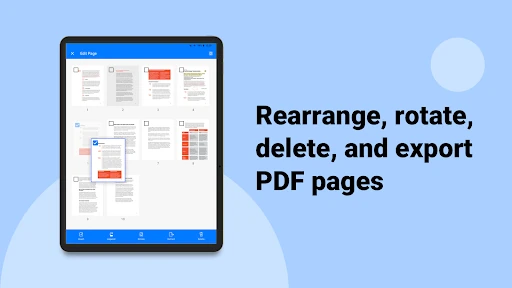
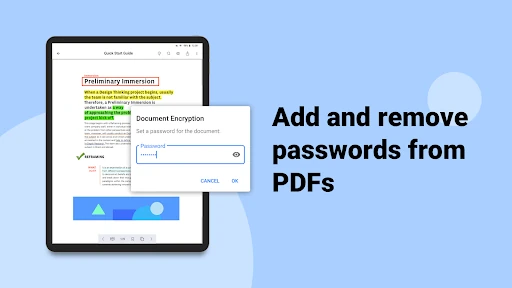
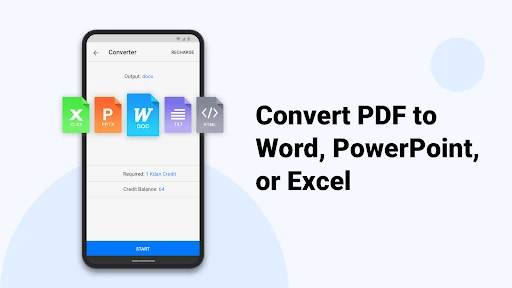
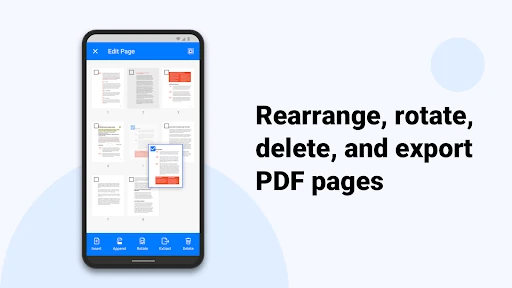
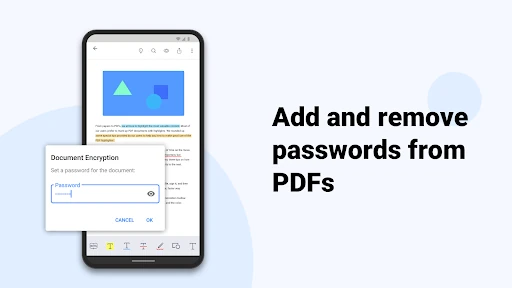
PDF Reader(KDAN PDF) is listed in the Business category and is developed by Kdan Mobile Software Ltd. It has a 3.77 rating from 126,022 reviews and more than 10,000,000 installs. Additional functions, including page rearrangement, extraction, conversion, password access, cross-device use, and expanded storage, are associated with Document 365, so the basic app and the full feature set should not be treated as identical.