
Click to download now, finish the installation quickly, and directly unlock the all-round experience
Screenshots
Click to download now, finish the installation quickly, and directly unlock the all-round experience
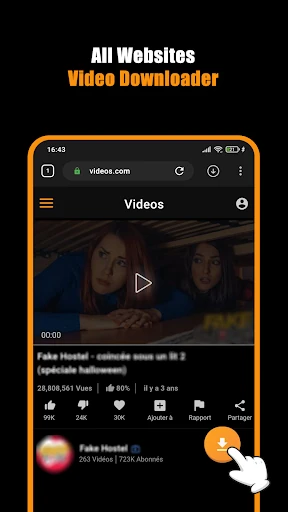
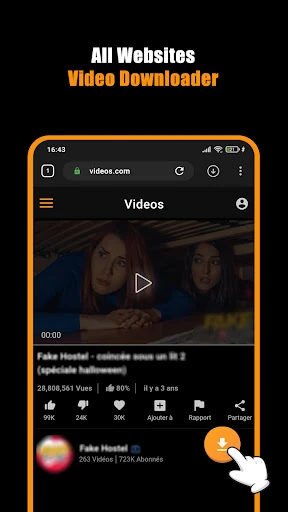
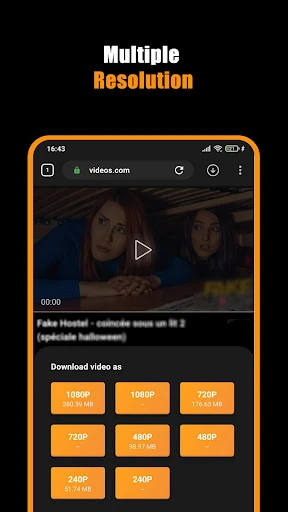
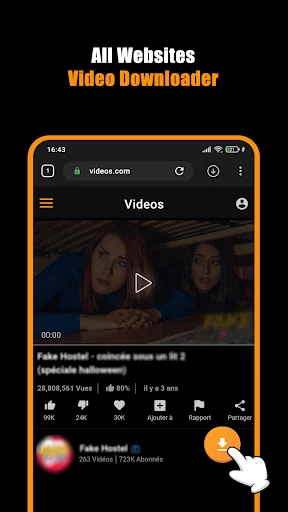
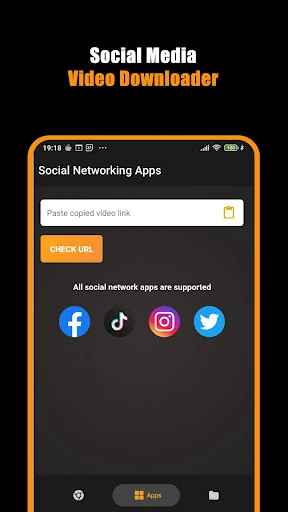
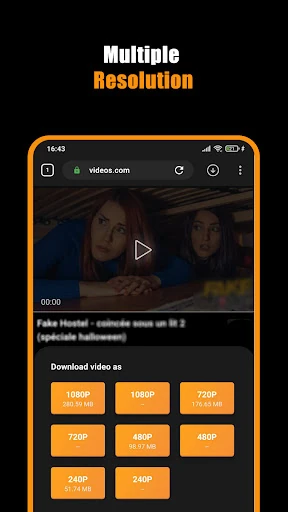
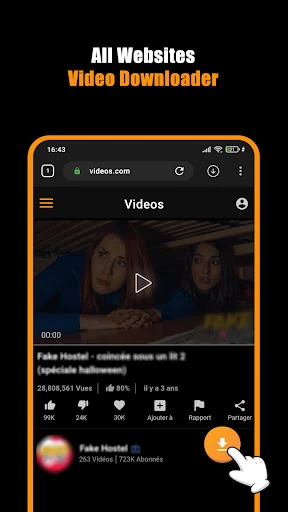
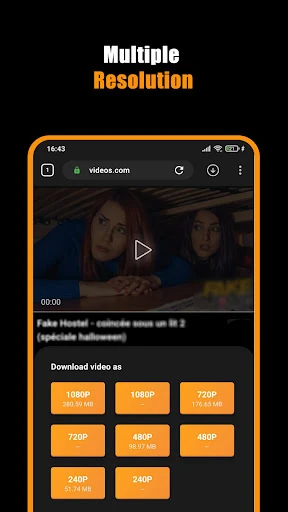
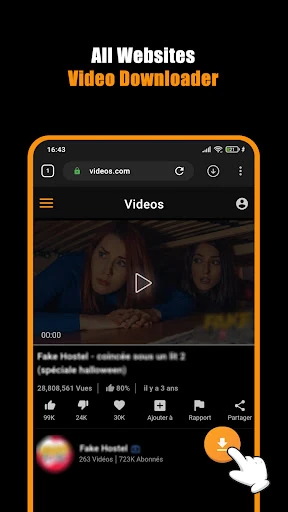
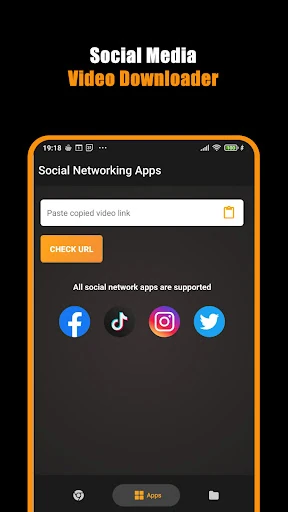
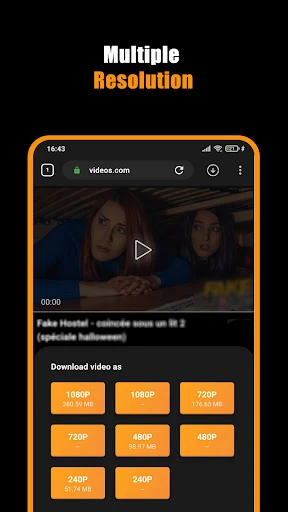
Hub Video Downloader combines web browsing with video saving. You open a site inside its built-in browser, find a playable video, and use the app’s download controls to keep a copy on your device. It is aimed at people who want a separate tool for collecting online videos rather than switching between a browser and another downloader.
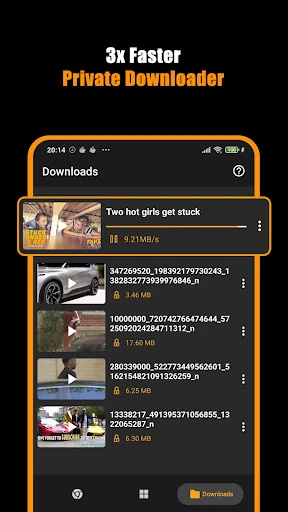
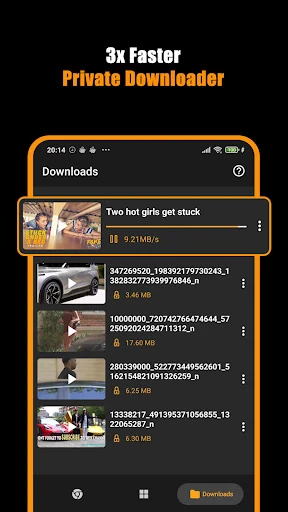
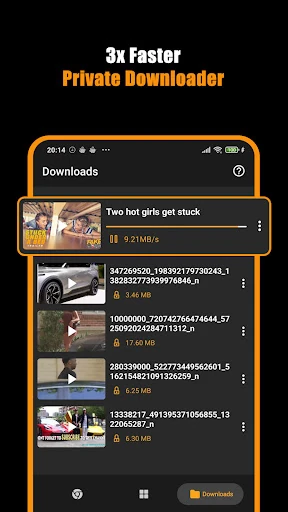
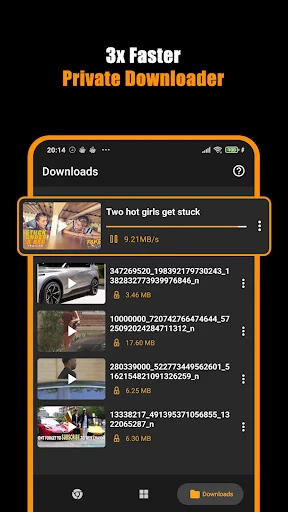
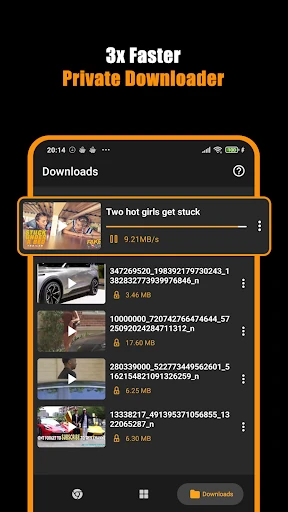
The app is more than a single-tap saver. It supports multiple downloads and lets you pause, resume, or cancel them, including downloads that continue in the background. That makes it a better fit for longer videos or several files at once than a basic browser download button, where progress controls may be limited.
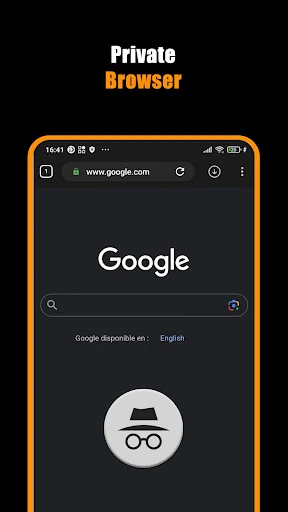
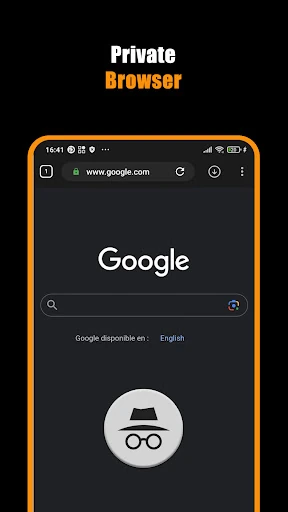
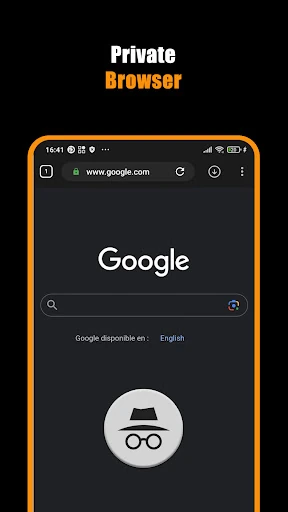
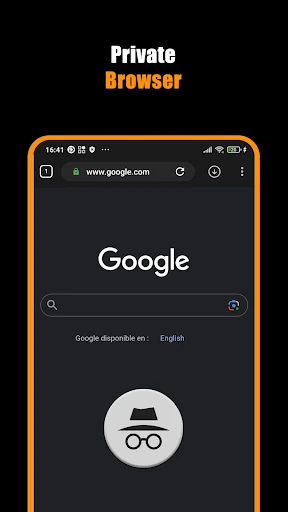
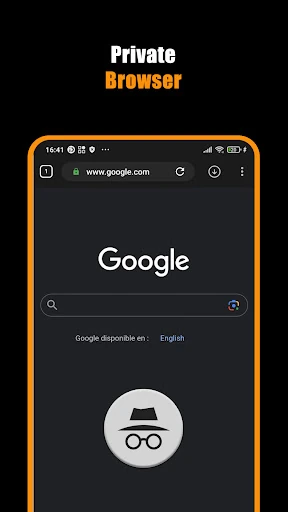
A private browsing mode keeps searches and browsing activity separate from your normal browser history, and the app supports multiple tabs and bookmarks for returning to regular sources. This suits users who want browsing and downloading in one place. The trade-off is that you are relying on an in-app browser instead of the browser you already know, so its convenience matters most if you plan to do both tasks together.
Hub Video Downloader comes from DOSA Apps and is listed in Video Players & Editors. Its 4.77 rating from 25,182 reviews and 1,000,000+ installs suggest that the core browsing-and-saving workflow has attracted a substantial user base. Choose it if download controls, background activity, and private browsing matter more to you than keeping everything inside a standard browser.