Click to download now, finish the installation quickly, and directly unlock the all-round experience
Screenshots
Click to download now, finish the installation quickly, and directly unlock the all-round experience
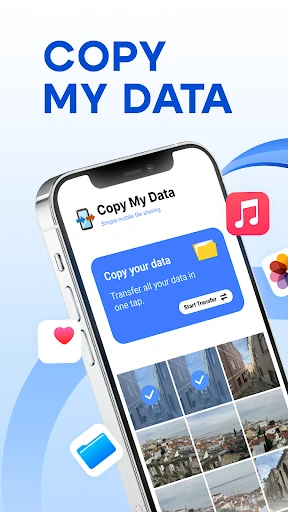
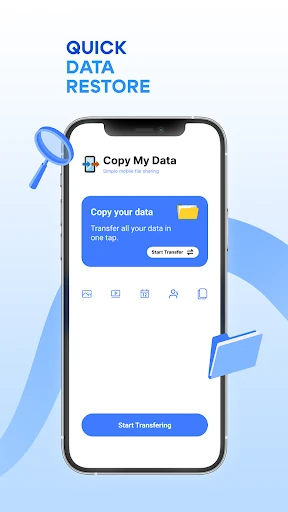
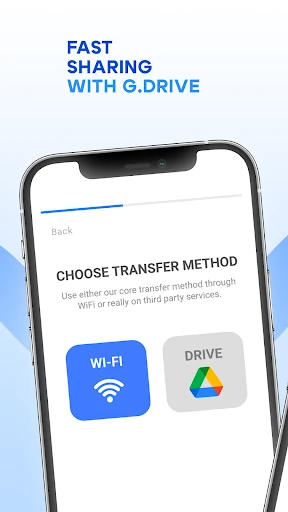
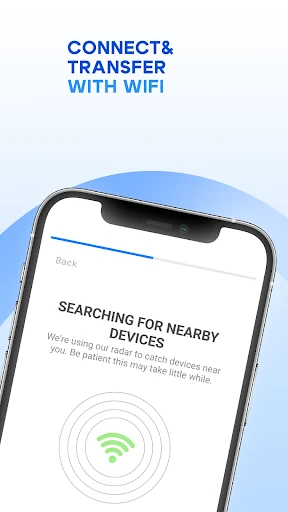
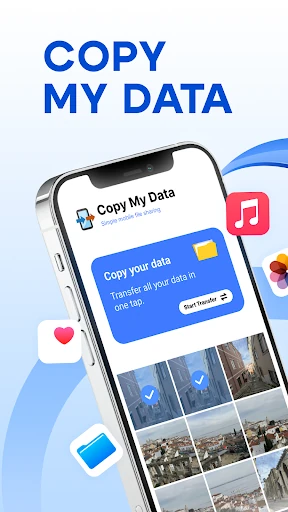
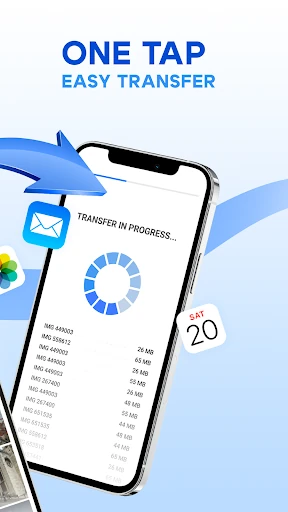
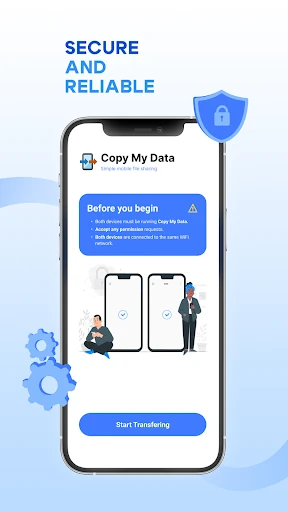
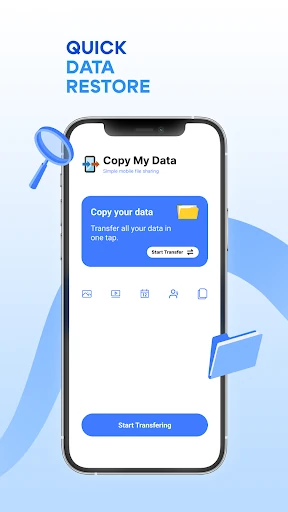
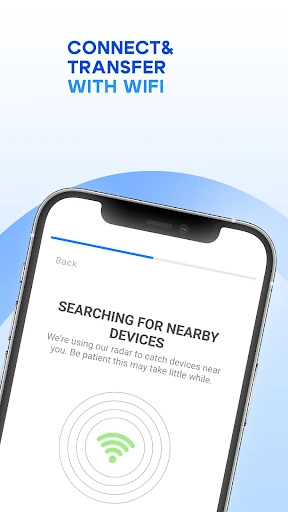
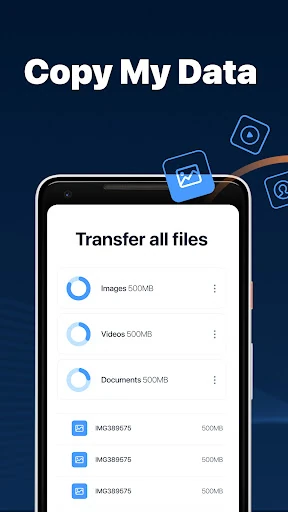
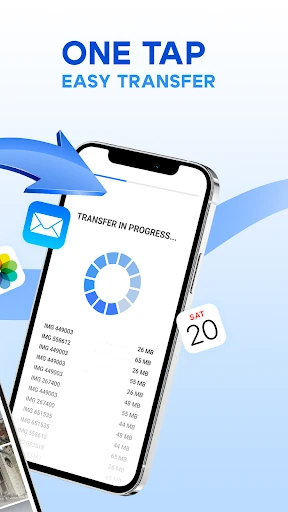
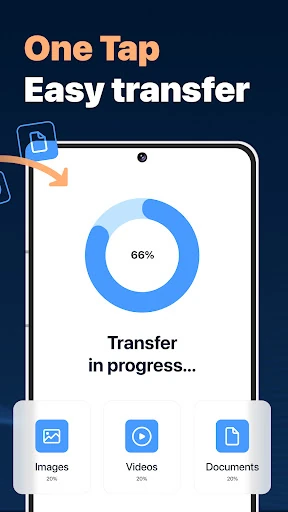
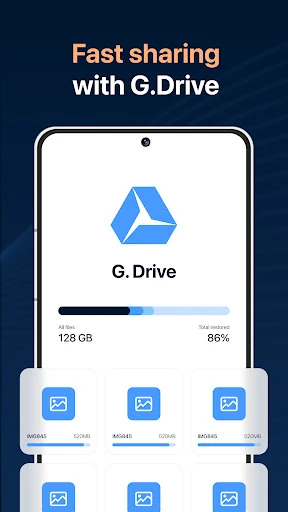
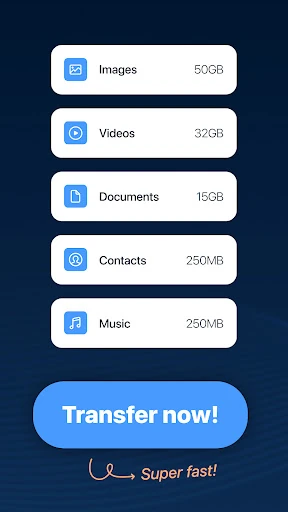
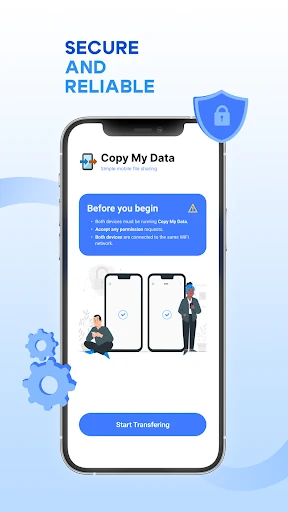
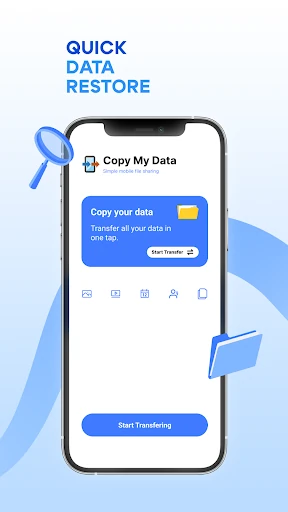
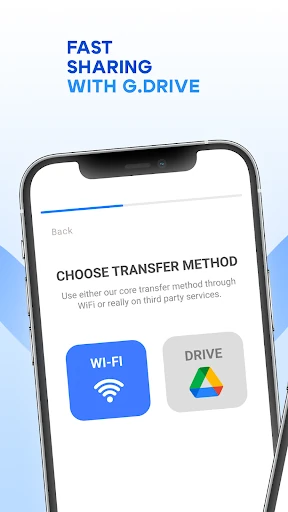
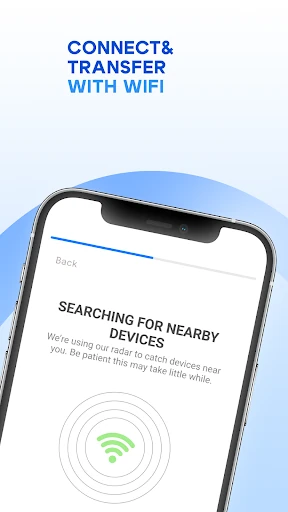
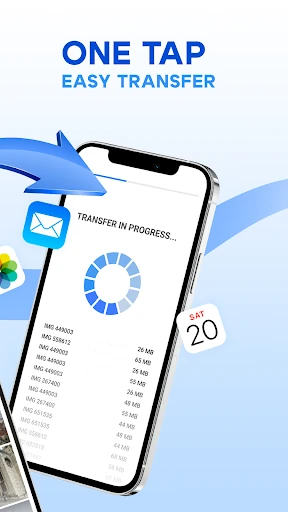
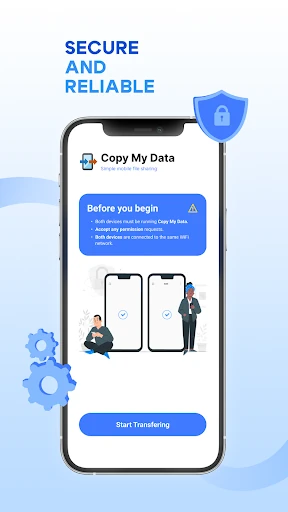
Copy My Data: Transfer Content helps move personal information from one phone to another over a local Wi-Fi connection. It is aimed at people changing devices who want to transfer contacts, calendar entries, photos, videos and music without relying on a computer, cable or cloud upload. A guided process and QR-code pairing keep the setup focused on connecting the two phones and starting the transfer.
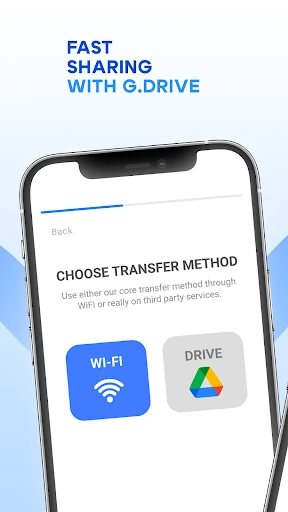
Its main advantage is convenience: the phones can exchange data directly, so there is no need to first upload everything to an online account or manage files through desktop software. That also suits users who prefer their content to stay on the local network. The compromise is that transfer speed and reliability depend on the Wi-Fi connection. A weak or busy network can make a large photo or video library take longer than expected.
This is a practical choice for a whole-device move rather than occasional file sharing. It makes sense when the priority is getting common personal data across with minimal equipment and clear instructions. Users who need detailed control over exactly which folders, date ranges or individual items are copied may find a more selective transfer tool a better fit.
Copy My Data: Transfer Content is published by Red Sky Labs in the Tools category. Its rating is 4.26 out of 5 from 251,144 reviews, with 50,000,000+ installs. Those figures indicate broad use, but the important decision remains the same: choose it for straightforward local phone-to-phone migration, not for fine-grained file management.